Todo
A checklist you manage from the app and tick off through the day.
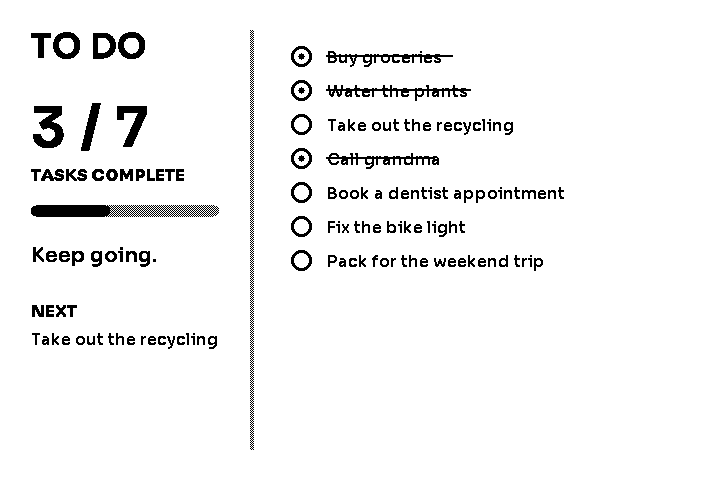
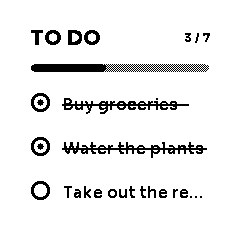
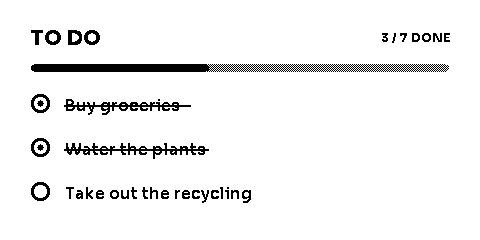
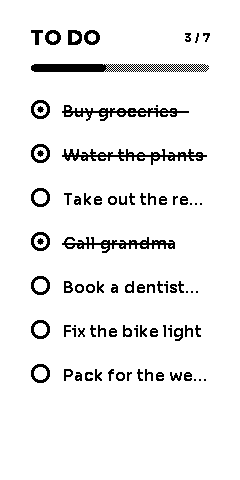
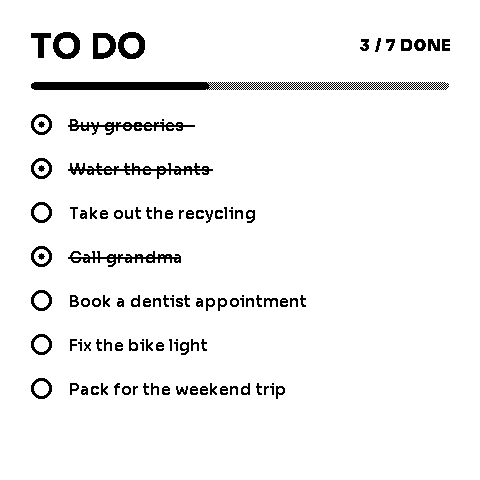
Todo puts a shared checklist where everyone can see it. You edit the list and tick items off in the ZerryBit app; the display shows the current state, with completed items struck through. Larger sizes add a summary panel — how many tasks are done, a progress bar, a word of encouragement, and what's up next.
Sizes
Available in 1×1, 2×1, 1×2, 2×2 and 3×2 (full screen, shown above).
Settings
| Setting | What it does | Options | Default |
|---|---|---|---|
| Header | The list's title, up to 24 characters. | Free text | TO DO |
| Todo items | The tasks themselves — add, edit, reorder, and check them off in the app. Up to 20 items, 100 characters each. | List editor | — |
| Move completed to bottom | On, completed tasks sink below the unfinished ones; off, the list keeps your manual order. | On, Off | Off |
| List density | Comfortable gives each task room; Compact fits more tasks on screen. | Comfortable, Compact | Comfortable |