Calendar
A month-at-a-glance calendar, plus a minimal date view for small spaces.
The Calendar widget keeps the current month on your wall. It comes in two views: the full Calendar month grid, and Simple date, a compact card that just shows today.
This widget shows the month grid only. For your own events on screen, use the separate Event calendar widget — it connects to Google Calendar, Microsoft accounts, and any calendar via an ICS link.
Calendar view
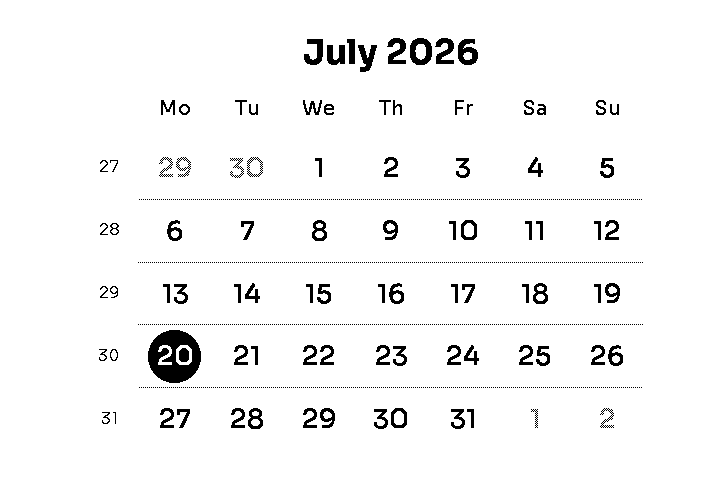
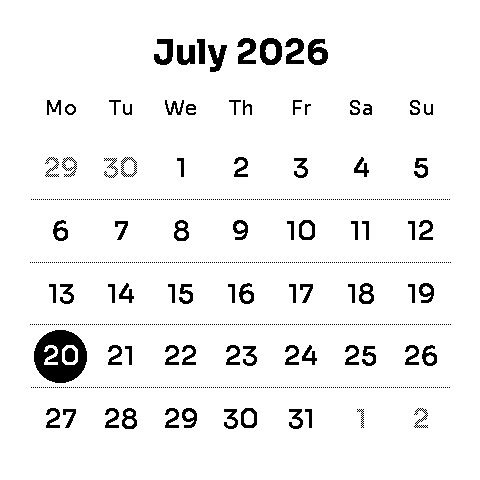
A classic month grid: the month and year on top, one column per weekday, ISO week numbers down the left side, and today circled. Days that spill in from the previous and next month are drawn in a lighter shade so the current month stands out.
Sizes
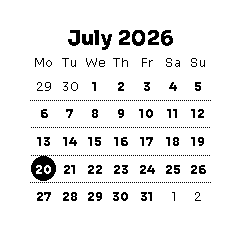
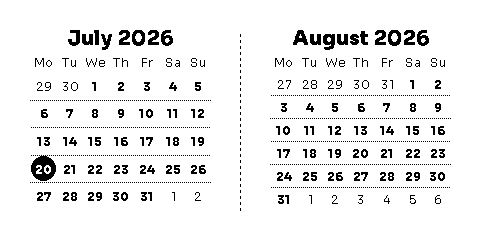
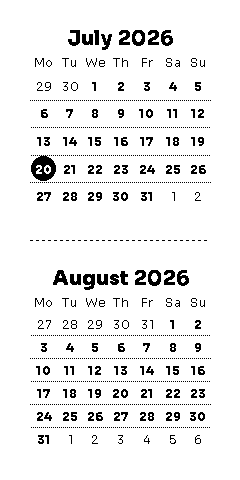
Available in 1×1, 2×1, 1×2, 2×2 and 3×2 (full screen, shown above).
Settings
| Setting | What it does | Options | Default |
|---|---|---|---|
| Week starts on | Sets which day begins each week row. | Monday, Sunday | Monday |
| Adjacent month days | Shows or hides the previous and next month's days at the start and end of the grid. | Shown, Hidden | Shown |
Simple date view
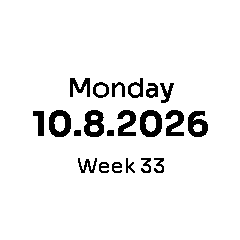
A minimal alternative for a single 1×1 cell: the weekday, today's date, and optionally the week number. Handy as a date stamp in the corner of a screen that's mostly other widgets.
Settings
| Setting | What it does | Options | Default |
|---|---|---|---|
| Date format | Order of day and month in the date. | Day first (28.12.2026), Month first (12.28.2026) | Day first |
| Week number | Shows the ISO week number under the date. ISO weeks always start on Monday. | Shown, Hidden | Hidden |