Days left
Count down the days to a date that matters, with a visual progress tracker.
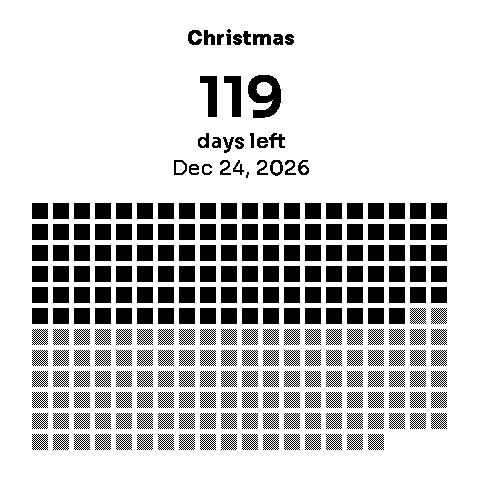
Days left counts down to a date you choose — a holiday, a trip, a deadline, a birthday — and shows the wait as a picture: the event name, the number of days remaining, and a progress tracker that fills in as the day approaches.
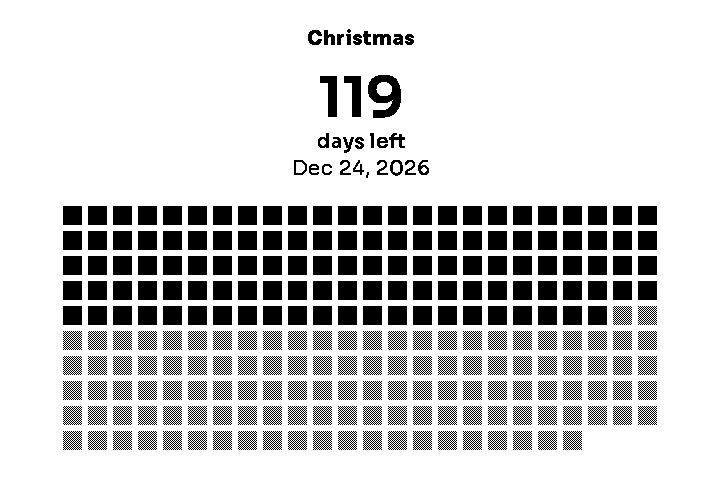
Sizes
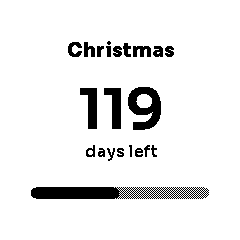
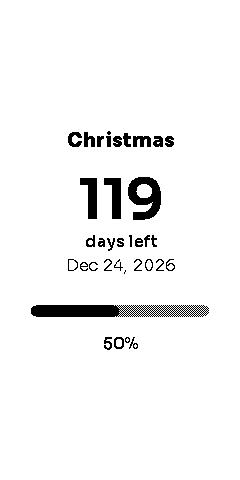
Available in 1×1, 2×1, 1×2, 2×2 and 3×2 (full screen, shown above). Larger sizes add the target date and a bigger progress display; the 1×1 keeps it to the essentials — name, count, and a slim progress bar.
Settings
| Setting | What it does | Options | Default |
|---|---|---|---|
| Event name | What you're counting down to, up to 40 characters. | Free text | Christmas |
| Target date | The date the countdown ends. | Date picker | — |
| Progress starts | The date the progress tracker measures from. Leave it empty to start from the day you add the widget. | Date picker, optional | Day the widget is added |
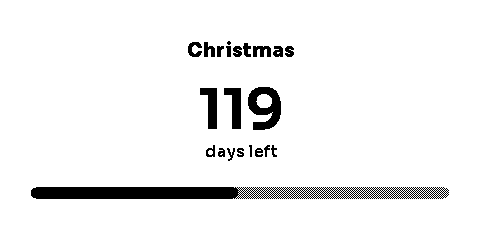
| Progress style | How progress is drawn: a grid of squares (one per day) or a single bar. | Grid, Bar | Grid |